

Getting Started
Getting started with the Tailor Platform is fast and straightforward. Tailor Platform offers powerful tools, such as the CLI and console, that simplify the process of creating and managing your applications.
Console
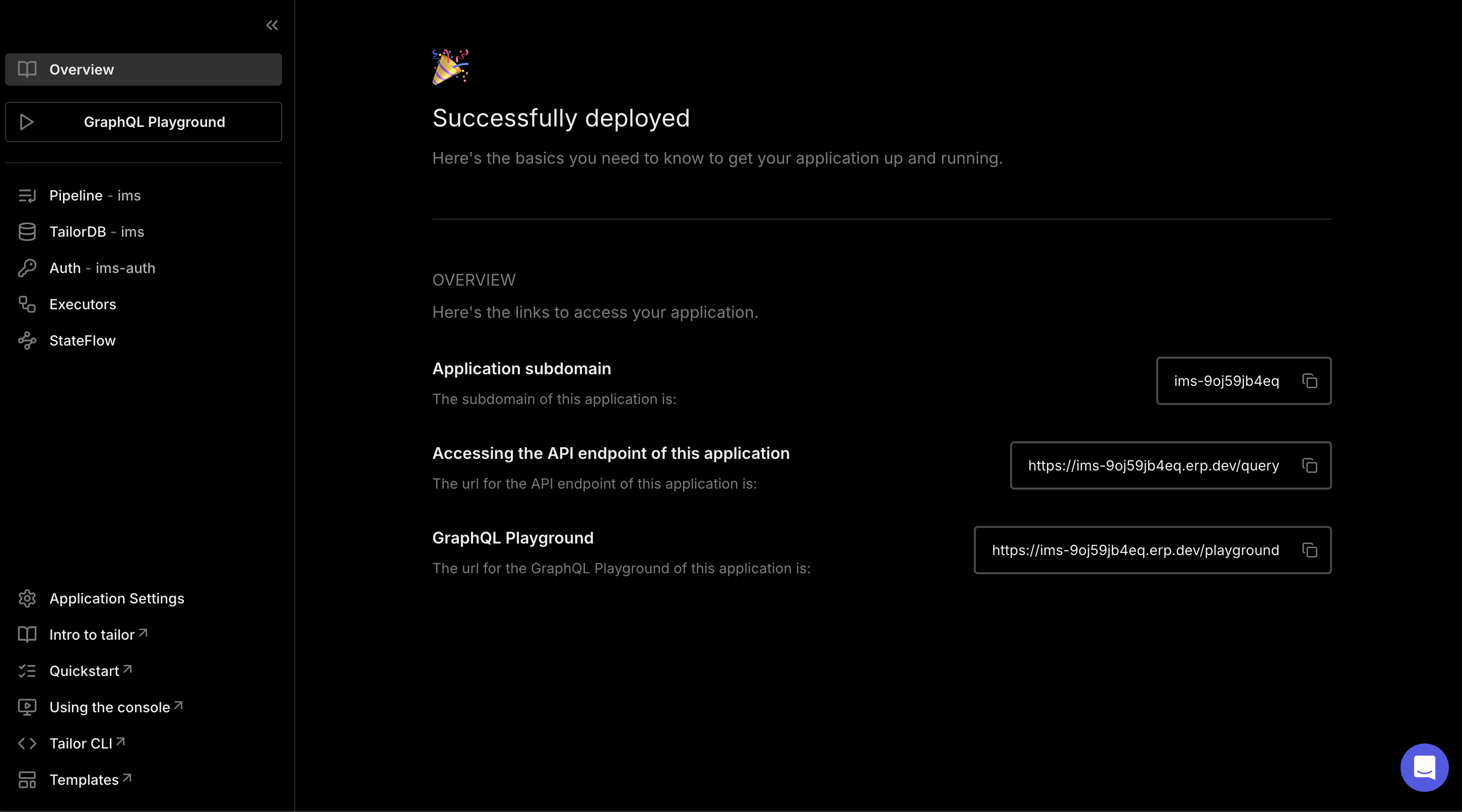
The Console is Tailor Platform’s web interface, providing you with access to enhanced development capabilities.
Start by creating a workspace and deploying an application using the templates. You can explore and analyze data models, visualize pipelines, and use the interactive playground to run queries with ease.
Here is a quick look at the console.
Tailor Platform SDK
The tailor-sdk is the command-line interface for building, deploying, and managing applications on the Tailor Platform. It provides a comprehensive set of tools for working with TailorDB, Functions, Workflows and Auth.
Installation
The Tailor Platform SDK requires Node.js 22 or later. You can use it in three ways:
1. With npx (recommended for quick start):
npx @tailor-platform/sdk --version2. As a project dependency:
npm install --save-dev @tailor-platform/sdk
# or
pnpm add -D @tailor-platform/sdk
3. Global installation:
npm install -g @tailor-platform/sdkKey Commands
The SDK provides commands for all aspects of application development:
- Application Commands - Initialize projects, deploy apps, and manage configurations
- TailorDB Commands - Manage database schema, migrations, and data
- Workflow Commands - Create and monitor workflow executions
- Function Commands - Test and view function execution logs
- Auth Commands - Manage machine users and OAuth2 clients
- Secret Commands - Manage vaults and secrets
- Workspace Commands - Create and manage workspaces
For detailed setup instructions and tutorials, see the SDK Quickstart Guide.